
Native Audio Generation
Generate video with dialogue, ambient sound, music, and effects. Describe who speaks and what should be heard to shape a character scene or product reveal.
MAGI-2 turns text, images, and multimedia references into video.
Native audio brings dialogue, sound effects, and music into sync.
Made with MAGI-2
Explore motion, character, and cinematic detail.
MAGI-2 is a multimodal AI video generation model that creates video and synchronized audio together. It supports text prompts and image, video, and audio references to guide subjects, motion, composition, and sound.
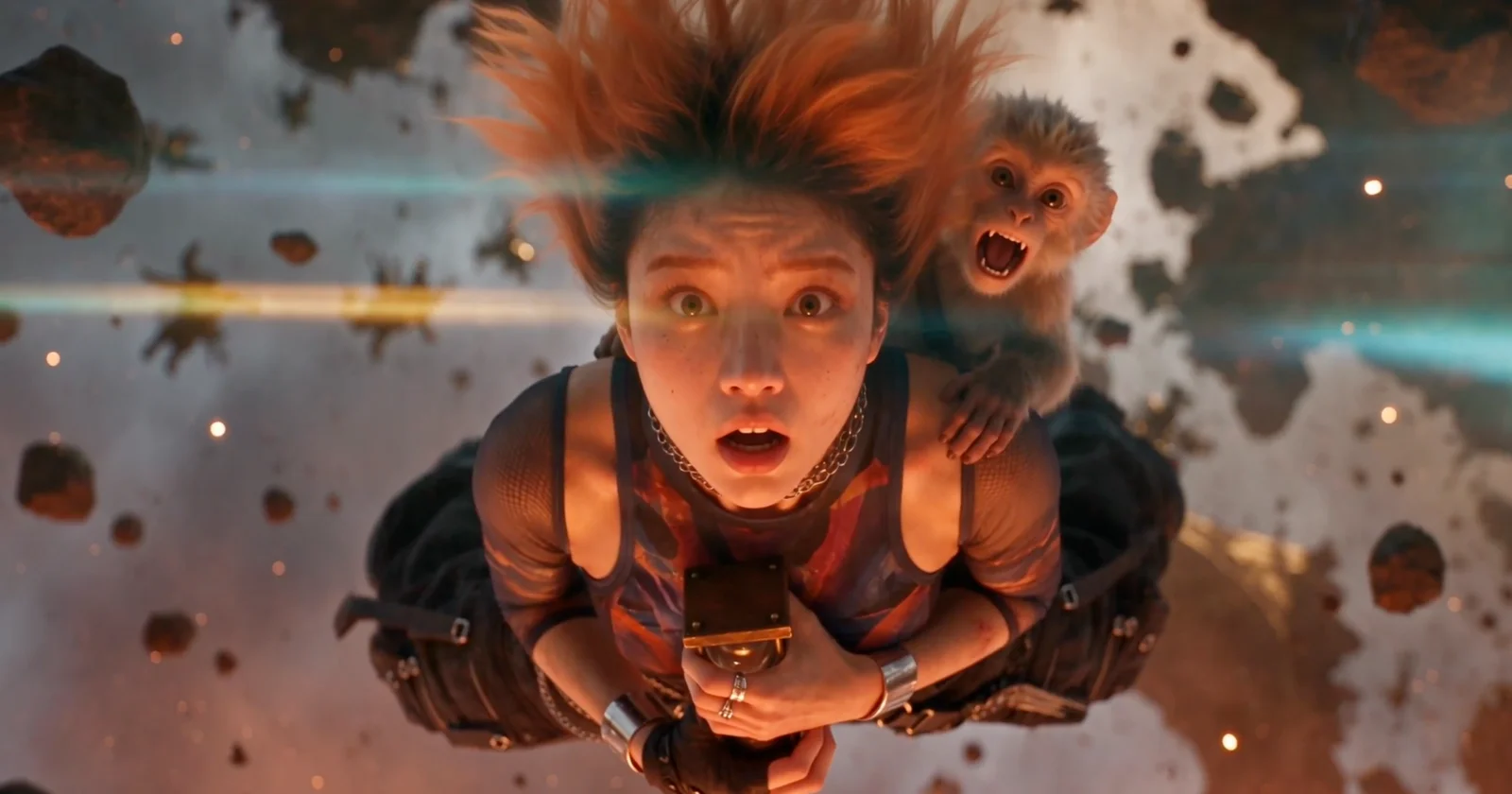
The capabilities below describe MAGI-2. For currently available options, check the model and settings in the generator. The current free trial provides 4-second, 1080p text-to-video generation with audio. Image and reference workflows are not available in the guest trial.
Generate video with dialogue, ambient sound, music, and effects. Describe who speaks and what should be heard to shape a character scene or product reveal.
Up to 30 seconds at 1080p and 25 fps gives a scene room for a reveal, an interaction, or a sequence of actions. Match the duration to what needs to happen.
Use images, video, and audio to guide appearance, movement, and sound. Give each reference a clear role when planning a character, location, or visual style.
Start with text to explore a new scene, or an image to guide a subject and composition. Add the action and camera movement for a product shot, portrait, or landscape.
Guide camera movement and the order of events in a scene. Describe shot changes and timing to plan a continuous take or a multi-shot sequence.
| Specification | Full model | Preview |
|---|---|---|
| Duration | Up to 30 seconds | 10-second clips |
| Output | 1080p | 1080p tier via a refiner stage |
| Input workflows | Text, images, video and audio references | Text or text with a still image |
| Reference capacity | Up to 10 images + 5 videos + 5 audio clips | A still image with a text prompt |
| Audio | Native synchronized video and audio | Generated alongside the video |
A QUICK COMPARISON
Start with your scene: shot control, reference assets, or synchronized sound.
Need control over each shot?
Use start and end frames, image or video references, and video editing to guide a scene.
Combining many reference assets?
Combine image, video and audio references, then extend or edit a clip. Supports larger reference sets.
Creating a scene with synced sound?
Generate 1080p video with dialogue, effects and music. Guide it with image, video and audio references.
Compare matching test clips for character consistency, motion and lip sync. Limits vary by platform; only MAGI-2 from this comparison is offered here.
MAGI-2 vs Seedance 2.5: full comparisonSTEP 01
Add the subject, action, setting, camera movement, and desired sound.
STEP 02
Review the available model, input mode, duration, and resolution.
STEP 03
Generate your video, preview the result, and download it within 5 minutes before the temporary file is deleted.
Explore video ideas for marketing, filmmaking, and visual storytelling.
Explore short-form video concepts, campaign visuals, and social media stories before developing a finished edit.
Visualize scene ideas, explore camera movements, and develop the mood of a shot before production.
Explore how characters, environments, and visual styles could look in motion.
Free video generation, model capabilities, input options, and the differences from Preview.
MAGI-2 is a multimodal AI video generation model that creates video and synchronized audio together. It uses text prompts and reference media to guide scenes, subjects, motion, and sound.
The current free trial uses MAGI-2 to generate a 4-second 1080p video with audio from text. It is subject to usage limits and service availability. Image and reference workflows are not included in the guest trial. Download your result within 5 minutes before it is deleted.
No. Available free generation works without signing in, subject to usage limits and service availability.
Yes. Start with text when you want to describe a new scene. Use an image when you want to guide the subject’s appearance or composition, then describe the action and camera movement in your prompt.
Yes. MAGI-2 generates video alongside dialogue with lip-sync, sound effects, ambient sound, and music. Specify who speaks and the exact words, then describe the background sounds or music you want.
Yes. MAGI-2 supports video and audio references. Describe the role of each reference, such as visual appearance, movement, or sound, so your instructions are clear.
The full MAGI-2 model supports up to 30 seconds of 1080p video at 25 fps. Available duration and output controls depend on the generation workflow.
The full model supports longer scenes and multimodal references. The published Preview pipeline generates 10-second clips from text or text with a still image, with a separate refiner stage for 1080p output. The comparison table above summarizes the main differences.
Describe the subject, action, and setting first. Add camera movement, lighting, and sound, keeping instructions consistent. Start with one clear scene and refine one element at a time after reviewing the result.
Describe a scene and explore its motion, lighting, and sound.
Back to the video generator ↑